curl cheat sheet
Hit an API with a token, post some JSON, upload a file, or find out exactly where a slow request spends its time.
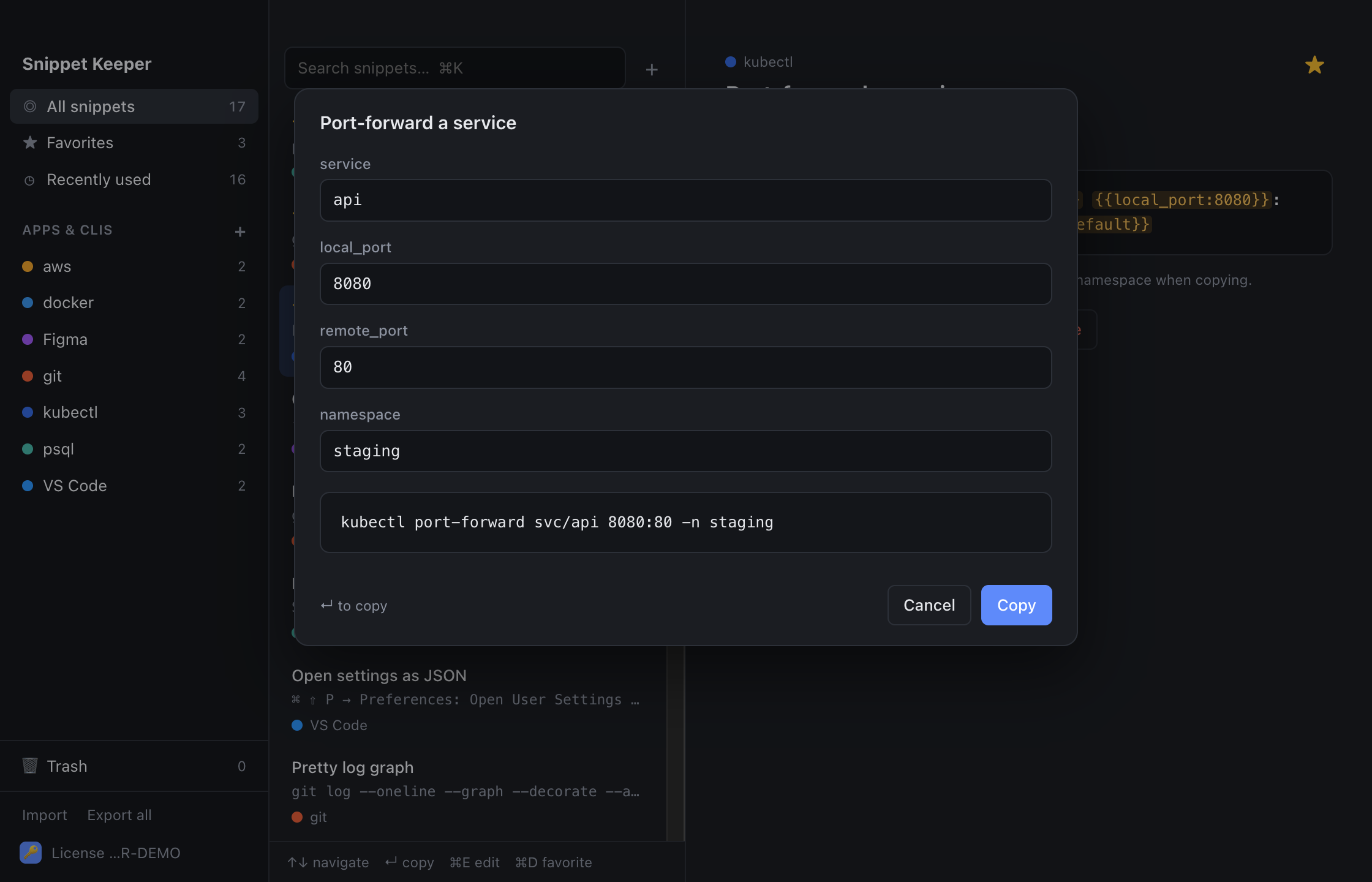
In Snippet Keeper, click Import at the bottom of the sidebar and choose the file. They land in your curl app, and ones you already have are skipped. The highlighted parts become fill-in fields: type a value (or pick one), and the finished command is on your clipboard.
Requests
curl -i urlcurl -I urlcurl -L urlcurl -X POST url \
-H "Content-Type: application/json" \
-d 'json'curl -X POST url -H "Content-Type: application/json" --data @filecurl -X method urlcurl -d "field=value" urlcurl -F "file=@file" urlcurl -s url | jqAuth
curl url -H "Authorization: Bearer token"curl -u user urlcurl -c cookies.txt -b cookies.txt urlDownloads
curl -L -o file urlcurl -LO urlcurl -L -C - -O urlDebugging
curl -v urlcurl -o /dev/null -s -w '%{http_code}\n' urlcurl -o /dev/null -s -w 'dns %{time_namelookup}s connect %{time_connect}s tls %{time_appconnect}s first byte %{time_starttransfer}s total %{time_total}s\n' urlcurl --resolve host:port:ip https://host/curl -k urlcurl --max-time seconds urlcurl --retry count urlcurl -x proxy urlKeep these one keystroke away.
Snippet Keeper is a Mac app for the commands you keep looking up. Press ⌥⇧Space in any app, type a few letters, fill in the blanks, and it’s on your clipboard.