Docker cheat sheet
Run it, get a shell in it, read its logs, build it, push it, and reclaim your disk afterwards. Docker and Docker Compose commands for every day.
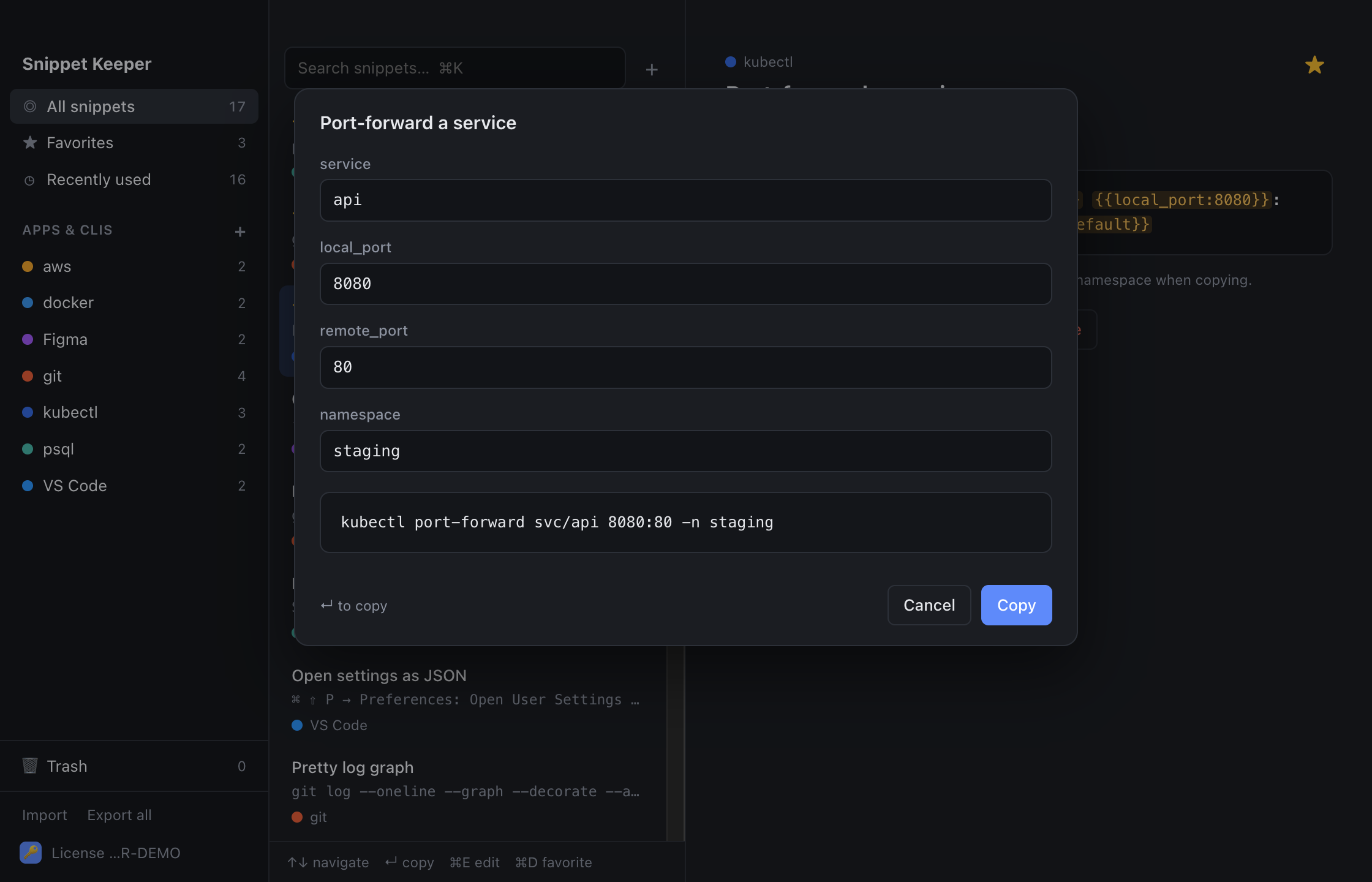
In Snippet Keeper, click Import at the bottom of the sidebar and choose the file. They land in your docker app, and ones you already have are skipped. The highlighted parts become fill-in fields: type a value (or pick one), and the finished command is on your clipboard.
Containers
docker run --rm -it image shelldocker run -d --name name -p host_port:container_port imagedocker run --rm -it -v "$(pwd)":/app -w /app image shelldocker run --rm --env-file env_file imagedocker psdocker ps -adocker exec -it container shelldocker logs -f --tail lines containerdocker rm -f containerdocker cp container:path destdocker statsdocker inspect containerImages
docker build -t name:tag .docker buildx build --platform platform -t name:tag .docker build --no-cache -t name:tag .docker imagesdocker pull imagedocker tag image registry/image && docker push registry/imagedocker login registrydocker history imageCleanup
docker system dfdocker container prune -fdocker image prune -fdocker system prune -af --volumesVolumes and networks
docker volume lsdocker network create networkdocker run -d --network network --name name imageCompose
docker compose up -ddocker compose up -d --builddocker compose down -vdocker compose psdocker compose logs -f servicedocker compose exec service shelldocker compose run --rm service commanddocker compose restart serviceKeep these one keystroke away.
Snippet Keeper is a Mac app for the commands you keep looking up. Press ⌥⇧Space in any app, type a few letters, fill in the blanks, and it’s on your clipboard.