Git cheat sheet
The git commands you actually use, and the ones you always have to look up: undoing the last commit, cleaning up branches, finding who changed a line, and getting back a commit you thought you lost.
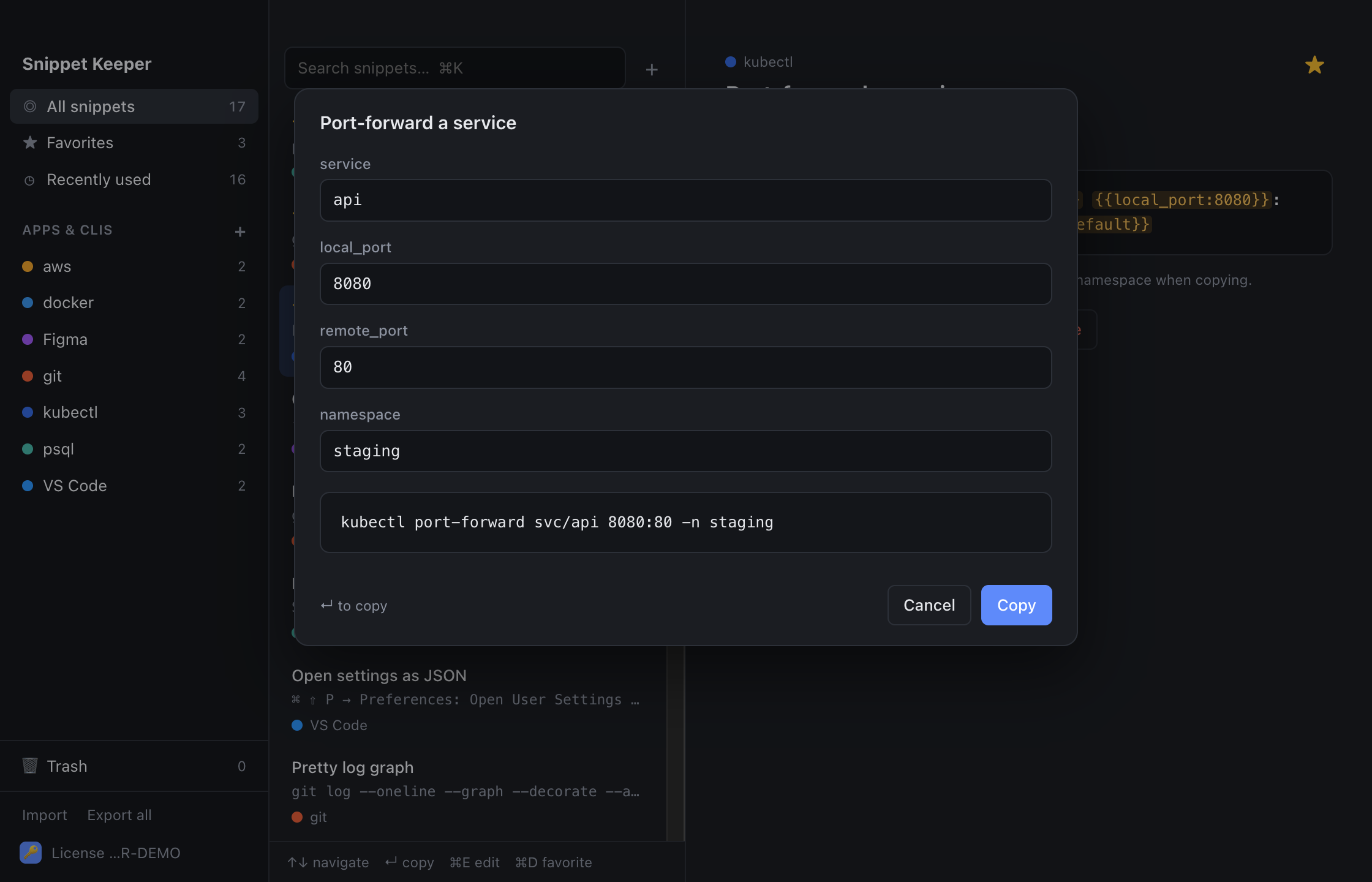
In Snippet Keeper, click Import at the bottom of the sidebar and choose the file. They land in your git app, and ones you already have are skipped. The highlighted parts become fill-in fields: type a value (or pick one), and the finished command is on your clipboard.
Setup
git config --global user.name "name"git config --global user.email "email"git config --global init.defaultBranch branchgit clone urlgit clone --depth depth urlEveryday
git status -sbgit add -pgit commit -m "message"git commit --amend --no-editgit diffgit diff --stagedBranches
git switch -c branchgit switch -git branch --sort=-committerdategit branch -m new_namegit branch -d branchgit push origin --delete branchgit branch --merged base | grep -vE '^\*|^\s*base$' | xargs git branch -dSyncing
git fetch --prunegit pull --rebasegit push -u origin HEADgit push --force-with-leasegit remote add name urlgit fetch upstream && git rebase upstream/branchUndo
git reset --soft HEAD~countgit restore --staged filegit restore filegit fetch && git reset --hard origin/branchgit revert commitgit refloggit clean -fdnStash
git stash push -u -m "message"git stash listgit stash popgit stash apply stash@{index}git stash push fileHistory
git log --oneline --graph --decorate --all -n countgit log -p --follow -- filegit log --oneline --grep="text"git log -S "text" --onelinegit blame -L start,end filegit show commit:pathgit log --oneline base..HEADRewriting
git rebase -i basegit rebase -i --autosquash basegit cherry-pick commitgit operation --abortgit bisect start && git bisect bad && git bisect good good_commitTags and worktrees
git tag -a tag -m "message"git push origin --tagsgit worktree add ../folder branchKeep these one keystroke away.
Snippet Keeper is a Mac app for the commands you keep looking up. Press ⌥⇧Space in any app, type a few letters, fill in the blanks, and it’s on your clipboard.