SSH cheat sheet
Connect through a bastion, forward a database port to your laptop, copy files both ways, and set up keys properly, without rereading the man page.
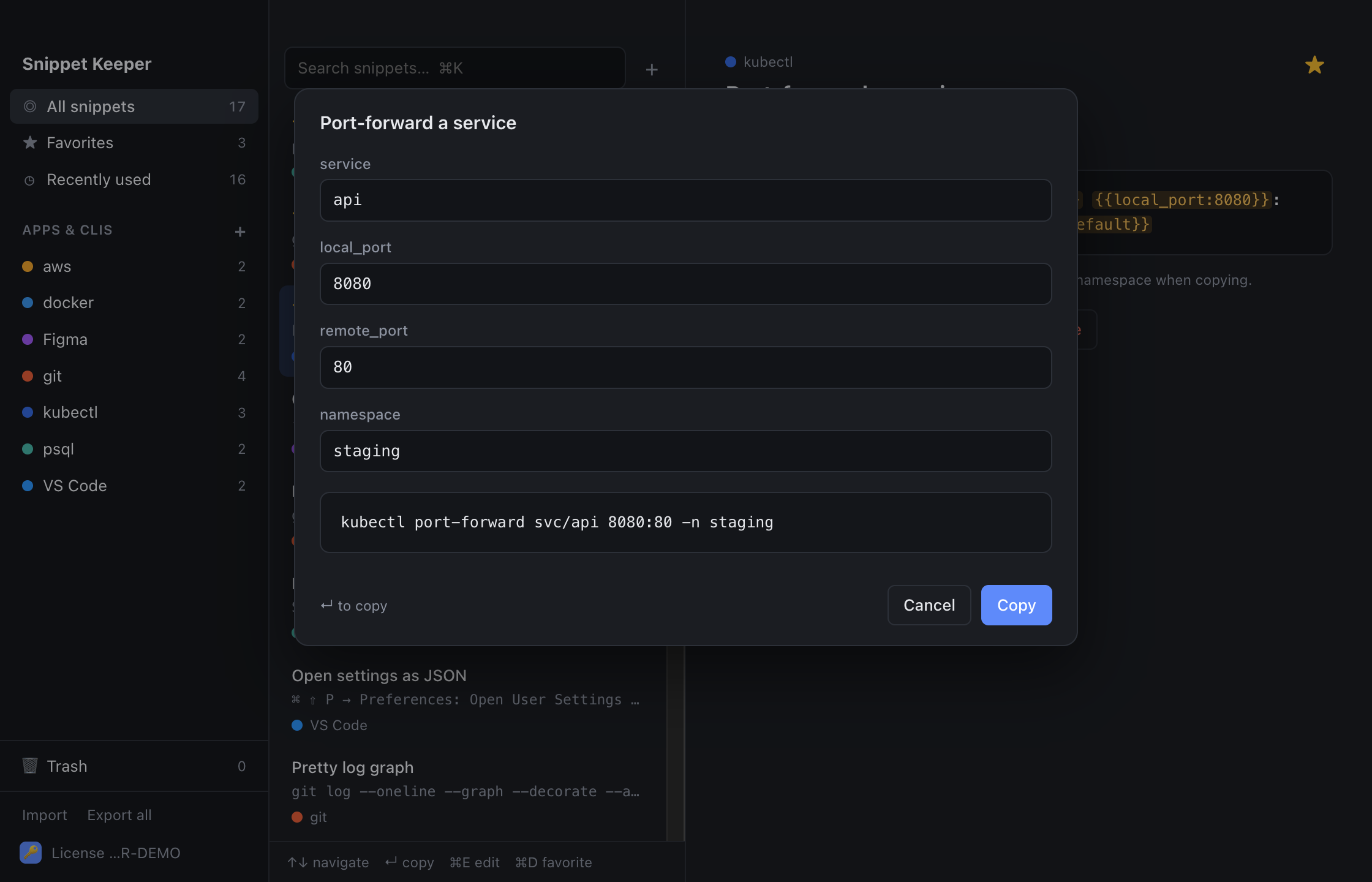
In Snippet Keeper, click Import at the bottom of the sidebar and choose the file. They land in your ssh app, and ones you already have are skipped. The highlighted parts become fill-in fields: type a value (or pick one), and the finished command is on your clipboard.
Connecting
ssh user@hostssh -p port user@hostssh -i key user@hostssh user@host 'command'ssh -J jump_user@jump_host user@hostssh -T git@github.com~.Keys
ssh-keygen -t ed25519 -C "email"ssh-copy-id user@hostssh-add --apple-use-keychain keyssh-add -lpbcopy < keyssh-keygen -lf keyssh-keygen -R hostTunnels
ssh -N -L local_port:target_host:target_port user@hostssh -N -R remote_port:localhost:local_port user@hostssh -N -D port user@hostCopying files
scp file user@host:pathscp user@host:path destscp -r dir user@host:pathrsync -avz --progress source user@host:destrsync -avzn --delete source user@host:destConfig
Host alias
  HostName host
  User user
IdentityFile ~/.ssh/id_ed25519Host alias
HostName host
User user
ProxyJump jump_hostHost *
ServerAliveInterval 60Keep these one keystroke away.
Snippet Keeper is a Mac app for the commands you keep looking up. Press ⌥⇧Space in any app, type a few letters, fill in the blanks, and it’s on your clipboard.