Terminal cheat sheet
The bash and zsh one-liners you search for every few weeks: what’s eating the disk, what’s on port 3000, find that file, count those lines.
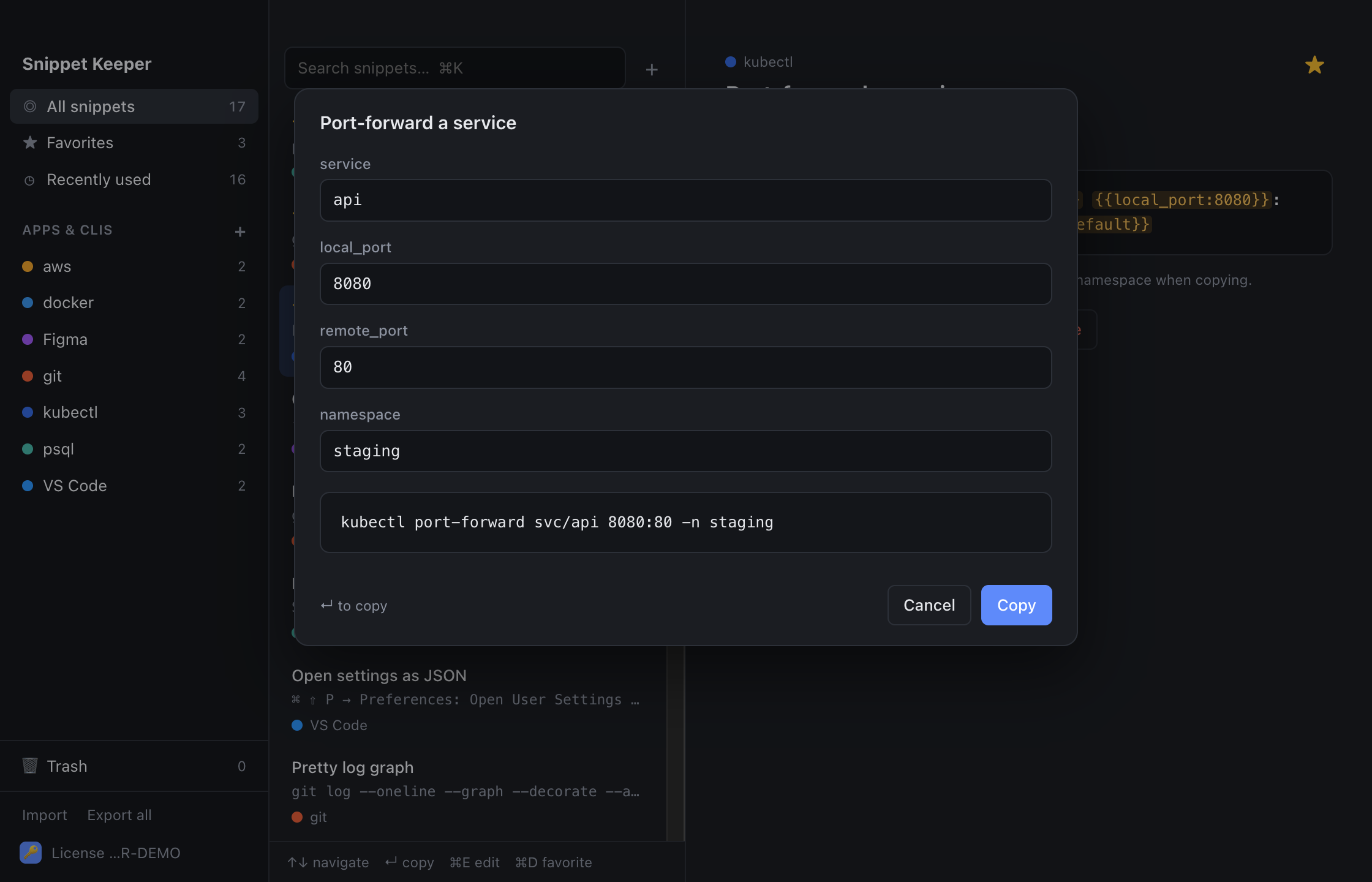
In Snippet Keeper, click Import at the bottom of the sidebar and choose the file. They land in your terminal app, and ones you already have are skipped. The highlighted parts become fill-in fields: type a value (or pick one), and the finished command is on your clipboard.
Files
find dir -name "pattern"find dir -type f -size +sizedu -sh dir/* | sort -hdf -hgrep -rn "text" dirperl -pi -e 's/find/replace/g' filestail -f filetar -czf name.tar.gz dirtar -xzf filechmod +x fileln -s target linkProcesses and ports
lsof -i :portkill $(lsof -t -i :port)ps aux | grep -i namepkill -f namenohup command > log 2>&1 &time commandwatch -n seconds commandNetwork
dig +short domainnc -zv host portcurl -s https://ifconfig.meText
sort file | uniq -c | sort -rn | head -countawk '{print $column}' filejq . fileprintf '%s' 'text' | base64printf '%s' 'text' | base64 --decodeopenssl rand -base64 bytesshasum -a 256 fileShell
Ctrl-Rsudo !!cd -export PATH="dir:$PATH"source ~/.fileMac only
command | pbcopyopen dirsudo dscacheutil -flushcache; sudo killall -HUP mDNSRespondercaffeinate -dKeep these one keystroke away.
Snippet Keeper is a Mac app for the commands you keep looking up. Press ⌥⇧Space in any app, type a few letters, fill in the blanks, and it’s on your clipboard.