tmux cheat sheet
Sessions that survive a dropped connection, and panes for everything else. Key bindings use the default prefix, Ctrl-b: press it, let go, then press the next key.
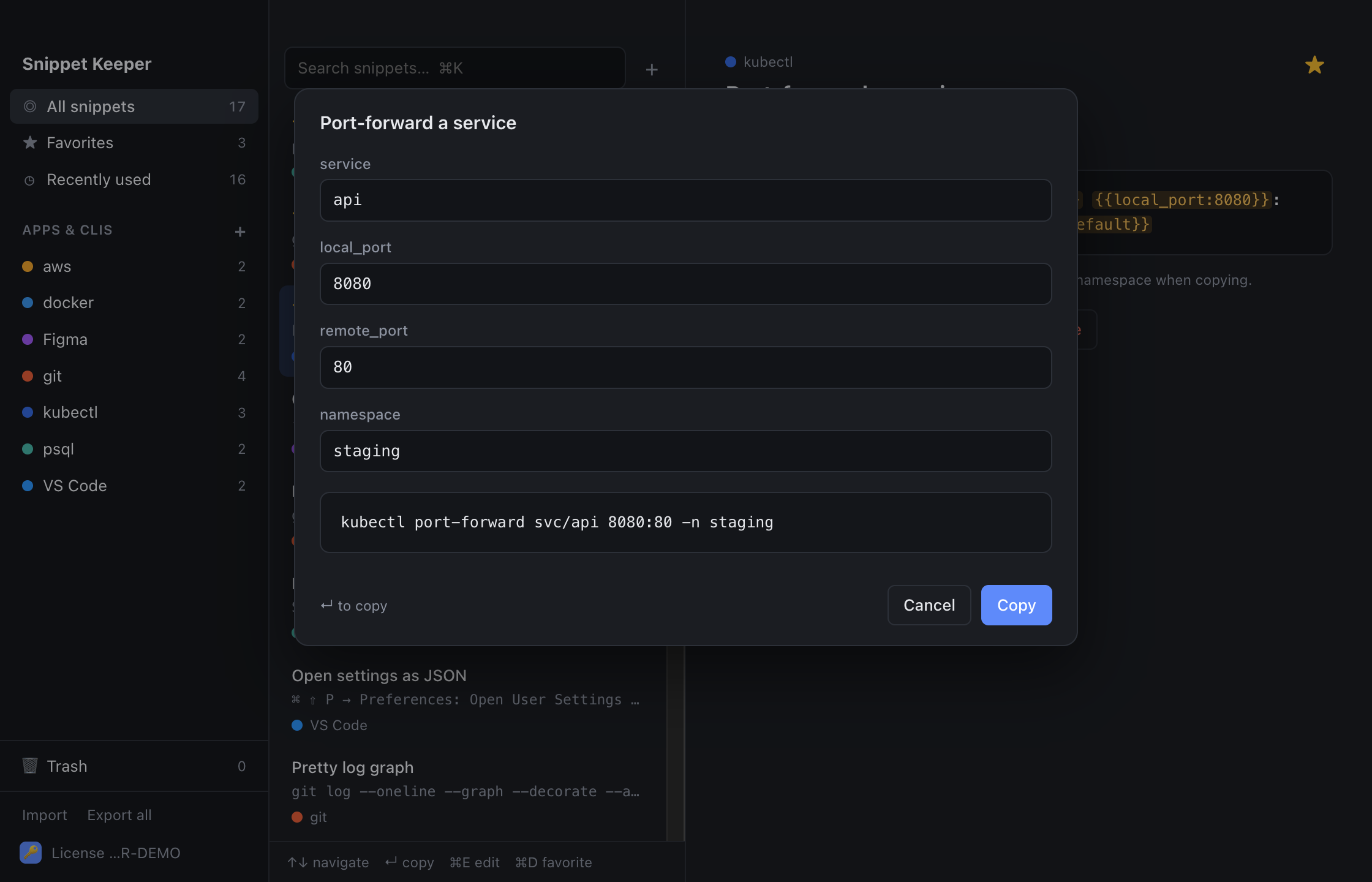
In Snippet Keeper, click Import at the bottom of the sidebar and choose the file. They land in your tmux app, and ones you already have are skipped. The highlighted parts become fill-in fields: type a value (or pick one), and the finished command is on your clipboard.
Sessions
tmux new -s nametmux lstmux attach -t nametmux kill-session -t nameCtrl-b dCtrl-b sCtrl-b $Windows
Ctrl-b cCtrl-b n / Ctrl-b pCtrl-b numberCtrl-b wCtrl-b ,Ctrl-b &Panes
Ctrl-b %Ctrl-b "Ctrl-b ←↑→↓Ctrl-b zCtrl-b xCtrl-b SpaceCtrl-b qCtrl-b !Ctrl-b Ctrl-←↑→↓Copy mode
Ctrl-b [Ctrl-b ]Config
set -g mouse onset -g base-index 1bind '"' split-window -v -c "#{pane_current_path}"
bind % split-window -h -c "#{pane_current_path}"tmux source-file ~/.tmux.confKeep these one keystroke away.
Snippet Keeper is a Mac app for the commands you keep looking up. Press ⌥⇧Space in any app, type a few letters, fill in the blanks, and it’s on your clipboard.